Unlock seamless global communication in your Roblox games with a powerful translate script. This comprehensive guide delves into how to implement, optimize, and troubleshoot a Roblox translate script, ensuring your game reaches a wider, international audience. Discover the benefits of localization, from enhancing player engagement and retention to boosting your game's visibility across different linguistic communities. Learn about the various methods available, including client-side and server-side translation solutions, and understand which approach best suits your game's complexity and target audience. We'll cover common pitfalls and provide practical tips for achieving accurate and efficient real-time translations. Whether you're a seasoned Roblox developer or just starting, mastering the Roblox translate script is a crucial step towards creating truly global and inclusive gaming experiences. Explore the latest trends in game localization and how integrating robust translation features can significantly elevate your game's appeal and market penetration, making it accessible to gamers worldwide, fostering a truly international player base and community.
Q: How do I add a translate script to my Roblox game?
To add a translate script to your Roblox game, you'll typically create a 'Localization' ModuleScript to hold all your text translations for different languages. Then, a LocalScript on the client-side will read the player's preferred language (e.g., `game.RobloxLocale`) and use the data from the ModuleScript to dynamically update all UI text, like buttons and labels, to the correct language. This ensures players see game information in their native tongue as soon as they join.
Q: What are the best translation scripts for Roblox?
The 'best' roblox translate script often depends on your game's needs. For UI and static text, a custom ModuleScript-based system is highly efficient. For real-time player chat, developers typically leverage server-side proxy scripts to connect with external translation APIs like Google Translate, as direct client-side external API calls are restricted. Roblox's built-in localization tools are also robust for managing translations and community contributions, offering a balanced approach for various content types.
Q: Can Roblox games automatically translate player chat?
Yes, Roblox games can implement automatic player chat translation, though it requires a more advanced roblox translate script. This usually involves a server-side script that acts as an intermediary, sending player chat messages to an external translation API (like Google Translate via a proxy server) and then broadcasting the translated message back to the relevant players. This real-time process enhances cross-cultural communication, allowing players globally to understand each other seamlessly, a crucial feature for social gaming in 2026.
Q: Why should I localize my Roblox game?
You should localize your Roblox game because it dramatically expands your audience to Roblox's massive global player base, currently over 350 million active users. Localization using a roblox translate script enhances player engagement and retention, as players are more likely to enjoy and understand a game in their native language. It fosters a more inclusive community, boosts your game's discoverability in international markets, and ultimately increases its monetization potential by appealing to a wider, more diverse demographic. For busy gamers, it means a more welcoming and less frustrating experience.
Q: Are there free ways to translate my Roblox game?
Yes, there are free ways to translate your Roblox game. The most common method involves manually creating translation tables within your own ModuleScripts in Roblox Studio, where you provide the translations yourself or with community help. Additionally, Roblox provides built-in localization tools that can assist in managing translations and even allow for crowd-sourcing translations from your player community, effectively leveraging volunteer efforts to localize your game without direct monetary cost for translation services. This makes a roblox translate script accessible even for indie developers.
Q: How do I implement a basic Roblox translate script for my game's UI?
Implementing a basic roblox translate script for your game's UI involves setting up a dictionary of phrases and their translations for each supported language. You'll typically use a ModuleScript to store this data and a LocalScript to detect the player's language preference and update UI elements accordingly. Roblox provides `game.RobloxLocale` for external data, but for UI, an internal dictionary is often more efficient. When a player joins, the script checks their system language or a saved preference and then dynamically updates TextLabels and TextButtons with the correct translated text from your dictionary. This approach ensures a seamless experience right from the start.
Q: What's the difference between client-side and server-side translation in Roblox development?
Client-side translation means the player's local device handles the translation process, typically by swapping out text strings based on a pre-loaded language table. This is ideal for static UI elements and offers fast responsiveness. Server-side translation, on the other hand, involves the game server handling translation requests, which is crucial for dynamic content like NPC dialogue or system messages that need to be consistent across all players. For real-time chat, a hybrid approach often works best where the client initiates a request to an external translation service via a server proxy using a roblox translate script.
Q: How can I ensure my Roblox game translations are always up-to-date and accurate?
To keep your translations current and accurate, establish a clear workflow. Start by using a robust translation management system (TMS) or even a simple spreadsheet for all your game text, linking original phrases to their translated counterparts. Regularly review and update this resource. For critical content, consider involving native-speaking testers or a professional localization service to catch nuances and cultural missteps that automated tools might miss. Roblox's built-in localization tools also allow for crowd-sourcing translations, which can be a cost-effective way to maintain accuracy with community input.
Q: Is it possible to translate dynamic in-game text, like leaderboards or player names, using a Roblox translate script?
Translating dynamic in-game text like leaderboards or player names with a roblox translate script is more challenging but certainly possible. For static elements of a leaderboard (e.g., 'Score,' 'Rank'), you'd use the standard UI translation methods. However, translating actual player names or user-generated content requires real-time processing, often relying on external APIs. While direct translation of player names might not always be practical or desired, ensuring the surrounding UI elements are localized provides significant value. For dynamic messages, the server can translate before sending to the client, ensuring all players see relevant information in their preferred language.
Q: What are the best practices for structuring my Roblox translate script for scalability?
For scalability, organize your roblox translate script using a modular approach. Create a central 'Localization' ModuleScript that stores all your language data in a well-structured table, perhaps nested by UI element or game section. Implement functions within this module to retrieve translated strings based on a key and the player's active language. Avoid hardcoding text directly into UI elements; instead, assign them a unique key and have the script fetch the corresponding translation. This makes adding new languages or updating existing translations much easier, without needing to modify every single UI element. Centralized data also helps with performance.
Q: Can I integrate external translation APIs with my Roblox game using a translate script?
Yes, you absolutely can integrate external translation APIs like Google Translate with your Roblox game using a roblox translate script, though it requires a bit of a workaround. Roblox's security restrictions prevent direct HTTP requests to arbitrary external domains from client-side scripts. The common solution is to use a proxy server (your own server or a service like Glitch or Heroku) that acts as an intermediary. Your Roblox server-side script (`HttpService`) sends a request to your proxy, which then calls the external translation API and returns the result to Roblox. This method allows for powerful real-time translation features, especially for chat or user-submitted content.
Q: Why is a roblox translate script essential for game growth in 2026?
In 2026, a robust roblox translate script is no longer optional but essential for game growth due to the platform's massive global audience and the increasing demand for localized content. With gamers averaging over 10 hours a week and mobile gaming dominating, accessibility drives engagement. Players from diverse backgrounds expect games to cater to their language, reducing friction and enhancing immersion. A well-translated game instantly boosts its market appeal, increasing downloads, playtime, and potential revenue. It positions your game to compete effectively in an international market, fostering a larger, more loyal, and truly global community. Ignoring translation means missing out on millions of potential players.
Ever jump into a Roblox game, excited to explore, build, or team up, only to find yourself lost in translation? You're not alone. In today's hyper-connected gaming world, where 87% of US gamers play regularly, often for 10+ hours a week, and social gaming trends dominate, language barriers can be a real buzzkill. For many of us balancing jobs, families, and life's demands, gaming is our precious downtime a chance to unwind, connect with friends, or even build new skills. It's frustrating to miss out on crucial quest details, team strategies, or simply the fun banter with players from around the globe because of language differences. You've invested your time, maybe even some Robux, and you expect a smooth, inclusive experience.
The good news is that bridging these linguistic gaps within your Roblox creations is more accessible than ever. Integrating a robust roblox translate script is not just a nice-to-have; it's becoming a fundamental aspect of modern game development, especially as mobile gaming continues its dominance and cross-play becomes the norm. Imagine your game attracting players from Brazil, Germany, Japan, or anywhere else, all understanding each other and the game content effortlessly. This isn't just about convenience; it's about unlocking a massive global audience, boosting engagement, and ensuring your hard work truly shines on an international stage. This guide will walk you through everything you need to know about implementing and optimizing a roblox translate script, turning those linguistic hurdles into opportunities for connection and growth.
How Can a Roblox Translate Script Enhance My Game's Global Reach?
A roblox translate script significantly expands your game's global reach by making it understandable and enjoyable for players who speak different languages. This immediate accessibility removes language barriers that often deter international players, transforming your game from a local favorite into a worldwide sensation. By catering to a diverse audience, you tap into new markets, increase your player base, and foster a more inclusive community around your creation. Imagine players from Tokyo teaming up with players from Berlin, all seamlessly understanding game instructions, lore, and each other's chat.
With an estimated 350 million monthly active users on Roblox globally, a substantial portion speaks languages other than English. Recent data shows a strong trend towards localized content driving higher engagement, especially in burgeoning mobile gaming markets. Implementing a robust roblox translate script means your game isn't just reaching English speakers; it's speaking directly to potentially millions of gamers in their native tongue. This strategic move aligns with current industry trends where developers prioritize localization to maximize game adoption and monetization opportunities across borders.
- Access New Markets: Open your game to non-English speaking regions, dramatically increasing potential player numbers.
- Boost Player Engagement: Players are more likely to stay and interact when they fully comprehend game mechanics and narratives.
- Improve Retention Rates: A localized experience feels more personal and welcoming, encouraging long-term play.
- Enhance Social Interaction: Facilitate cross-cultural friendships and teamwork through understandable in-game communication.
- Increase Monetization Potential: A larger, engaged global audience can lead to higher sales of in-game items and passes.
For gamers like us who value social connection and seamless experiences, encountering a game with good translation is a huge plus. It means less time trying to decipher text and more time enjoying the game, whether we're unwinding after a long day or challenging ourselves with new friends. A thoughtful roblox translate script shows players you care about their experience, making your game a top choice.
What Are the Primary Benefits of Implementing a Roblox Translate Script?
Implementing a roblox translate script offers a multitude of benefits, directly impacting your game's success and player satisfaction. Beyond merely translating text, it creates a more inclusive environment, drawing in players who might otherwise overlook your game. This inclusivity is vital in 2026, as social gaming and diverse communities are at the forefront of player priorities. For busy adults, a game that just works, regardless of language, means more precious relaxation time and less frustration.
- Wider Audience Reach: Immediately makes your game accessible to a global demographic, dramatically increasing potential player counts.
- Increased Player Engagement: Players stay longer and interact more when they understand game mechanics, quests, and dialogue perfectly.
- Higher Player Retention: A personalized language experience fosters a deeper connection with the game, encouraging long-term play and loyalty.
- Enhanced Monetization: A larger, more engaged player base translates to greater opportunities for in-game purchases and premium content.
- Improved User Experience: Reduces friction for non-English speakers, making the game more enjoyable and less confusing.
- Stronger Community Building: Facilitates communication and collaboration among a diverse group of players, building a truly global community.
- Competitive Advantage: Positions your game ahead of others that lack robust localization, making it a more attractive option.
From a developer's perspective, these benefits translate directly into more active players and potentially higher revenue, all while cultivating a positive reputation for creating accessible and thoughtful experiences. For players, it means simply enjoying the game without language hurdles, making that valuable gaming time even more rewarding.
How Do I Begin Implementing a Basic Roblox Translate Script?
Starting with a basic roblox translate script is simpler than you might think. The key is to organize your translation data efficiently. Begin by creating a ModuleScript in your game and populate it with tables for each language you want to support, mapping original English phrases to their translated counterparts. This central repository for all text makes updates and additions straightforward. Next, use a LocalScript to detect the player's preferred language, often using `game.RobloxLocale` or allowing them to select it manually via a UI button.
Once the language is determined, your LocalScript will then iterate through your game's UI elements (like TextLabels, TextButtons, and ScreenGuis) and update their text properties by fetching the correct translated string from your ModuleScript. It's crucial to assign a unique identifier or 'key' to each piece of text in your UI to easily retrieve its translation. This method ensures that when the game loads, all visible text immediately appears in the player's chosen language, providing an instant localized experience. Remember to test thoroughly with different language settings to catch any display issues or untranslated elements.
Here's a simplified workflow:
- Create a ModuleScript named 'LocalizationTable'.
- Inside, define tables for languages, e.g., `LocalizationTable.English = {Welcome = 'Welcome!'}` and `LocalizationTable.Spanish = {Welcome = 'Bienvenido!'}`.
- In a LocalScript, get the player's locale: `local playerLocale = game.RobloxLocale`.
- Create a function to update UI text: `function updateUI(language)` that iterates through relevant UI elements and sets `TextLabel.Text = LocalizationTable[language][textKey]`.
- Call `updateUI(playerLocale)` on game start and whenever the language changes.
This foundational setup gives you a scalable system that even busy developers can manage, allowing you to focus more on game mechanics and less on repetitive text changes.
Are There Different Types of Roblox Translate Scripts, and Which Should I Choose?
Yes, there are generally two main types of roblox translate scripts you'll encounter: client-side and server-side, often used in combination for comprehensive localization. Understanding their differences helps you choose the right approach for various game elements. For many gamers, a responsive experience is key, and the chosen method directly impacts that.
Client-Side Translation Scripts
Client-side translation happens entirely on the player's device. This is ideal for static UI elements like menu buttons, setting labels, and fixed instructions. The translation data (your ModuleScript dictionaries) is loaded once, and the player's client handles swapping text based on their chosen language. This method is incredibly fast and responsive as it doesn't rely on network requests after the initial load.
- Pros: Very fast, responsive, reduces server load.
- Cons: Only affects the individual player's view; cannot translate dynamic content universally.
- Best for: UI, static in-game text, tutorial messages.
Server-Side Translation Scripts
Server-side translation involves the game server processing and delivering translated text. This is crucial for dynamic content that needs to be consistent for all players, such as global announcements, NPC dialogue, or specific game event messages. For more advanced features like real-time player chat translation, a server-side script typically acts as a proxy, sending chat to an external translation API and returning the translated text.
- Pros: Ensures consistent translation across all players, handles dynamic content.
- Cons: Can introduce latency if reliant on external APIs, higher server load.
- Best for: NPC dialogue, dynamic game events, global messages, external API integration for chat.
For most Roblox games, a hybrid approach using a roblox translate script that combines both client-side for UI and server-side for critical dynamic content offers the best balance of performance and comprehensiveness. This ensures that essential game information is universally understood, while individual players enjoy a snappy, localized interface.
What Are the Best Practices for Managing Translated Content in Roblox?
Effective management of your translated content is paramount for a successful roblox translate script, especially as your game grows. Poor organization can lead to missing translations, inconsistencies, and a frustrating experience for both players and developers. Gamers expect a polished product, and even minor translation errors can break immersion. Here are some best practices:
- Centralized Translation Data: Store all your source text and its translations in a single, well-structured ModuleScript or an external spreadsheet/database. This makes it easy to track, update, and audit.
- Use Unique Keys: Instead of directly referencing text, assign a unique string key (e.g.,
Easy Roblox translation setup, Global player reach, Script implementation guide, Language barrier removal, Enhanced game accessibility, Realtime chat translation, Localization best practices, Developer tips for translation
35#1 Gallery roblox translate script


Translator Roblox Script At Noe Barry Blog . Translator Roblox Script At Noe Barry Blog . In The Text To Translate Field Input The Desired Translation And Click Portal Adding String . How To Translate Your Experiences Community Tutorials Developer . Roblox Script Translate Script FE Hydrogen Script Arceus X YouTube Hqdefault
#2 Gallery roblox translate script
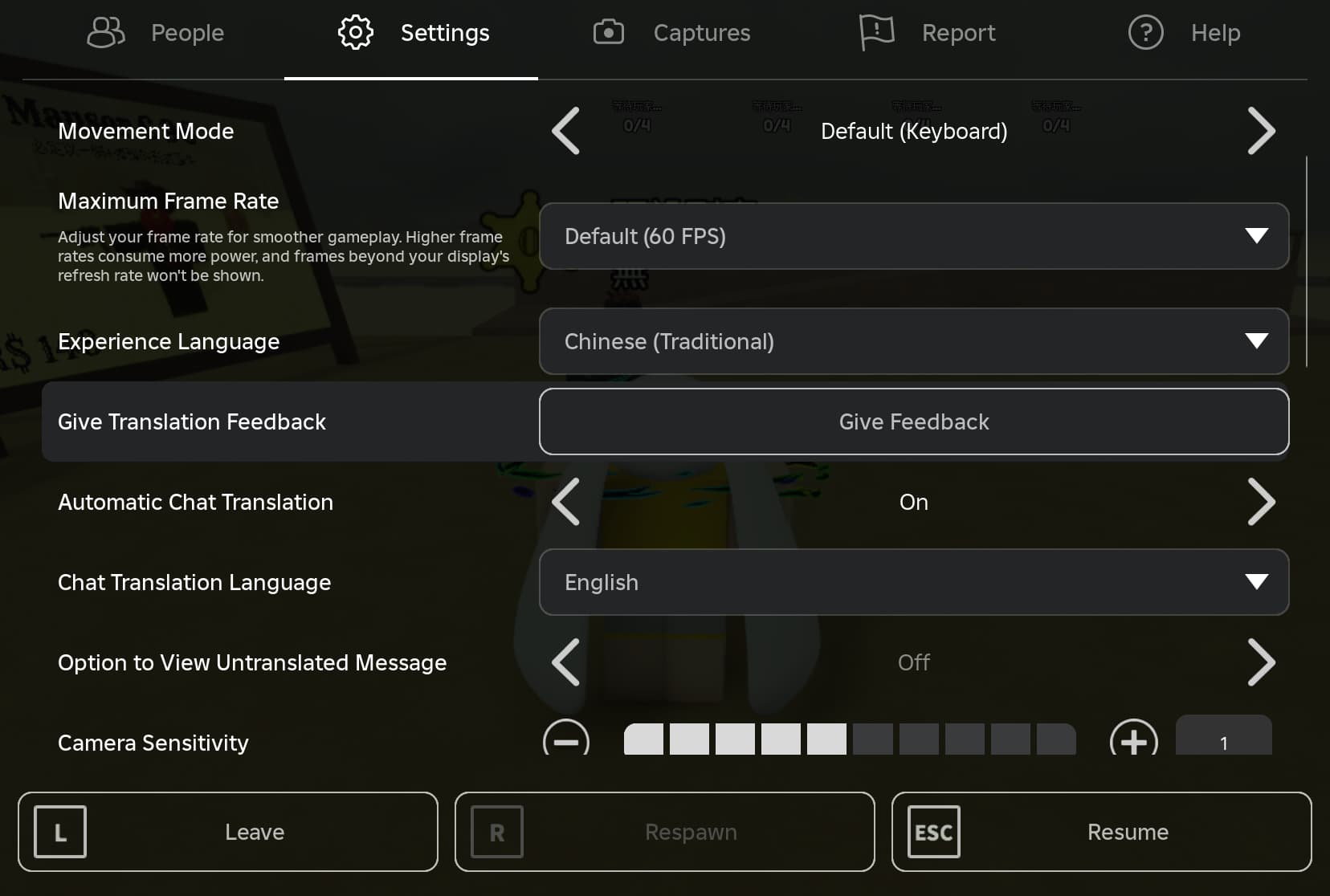


How To Auto Translate Chat In Roblox 2026 YouTube . Automatic Translation Experiment Results And Next Steps . Roblox Adds Real Time AI Chat Translation Using Its Own Language Model 5611ba20 C4ae 11ee Aff6. Translator Roblox Script At Noe Barry Blog . How To Manually Translate An Experience Community Tutorials
#3 Gallery roblox translate script

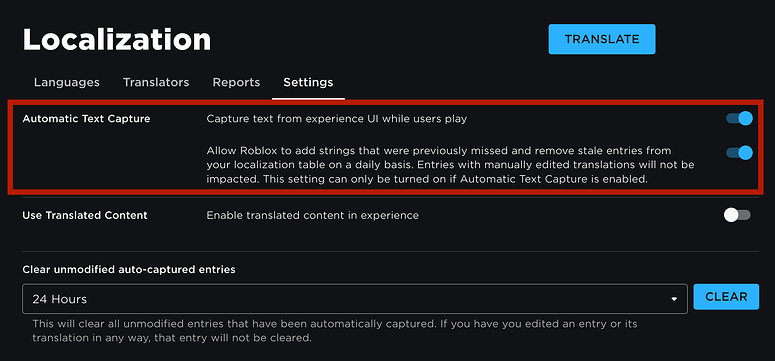
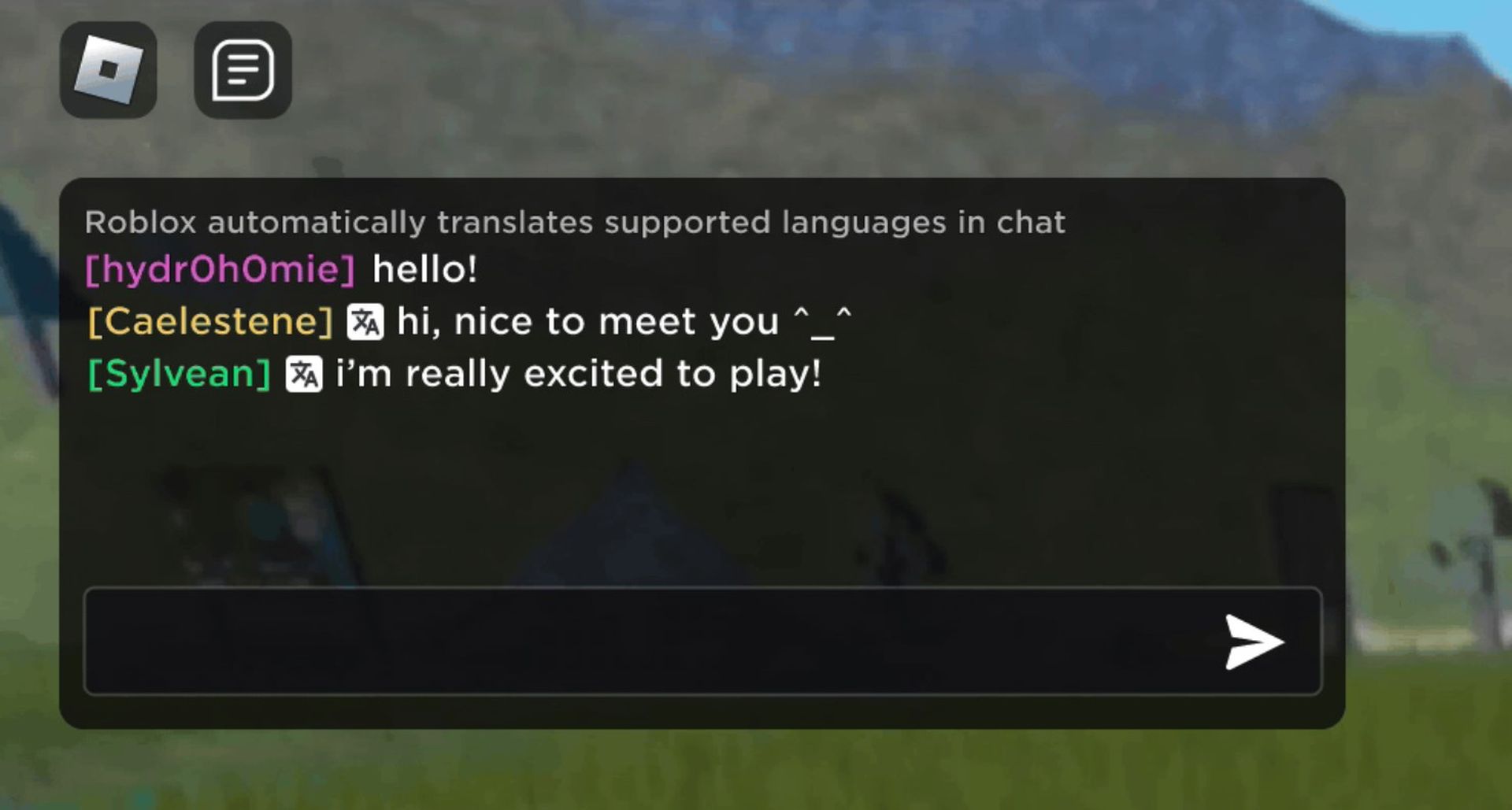
Introducing The Translator Portal Developer Forum 2 690x415 . Translator Cannot Translate Scripting Support Developer Forum Roblox . Automatic Translation Now Available Between 16 Languages 2 775x361 . Roblox Auto Translate Removes Language Barriers In Game Dataconomy Roblox Auto Translate . T Ng D Ch Tin Nh N Tr Chuy N D Ch V H Tr C A Roblox
#4 Gallery roblox translate script
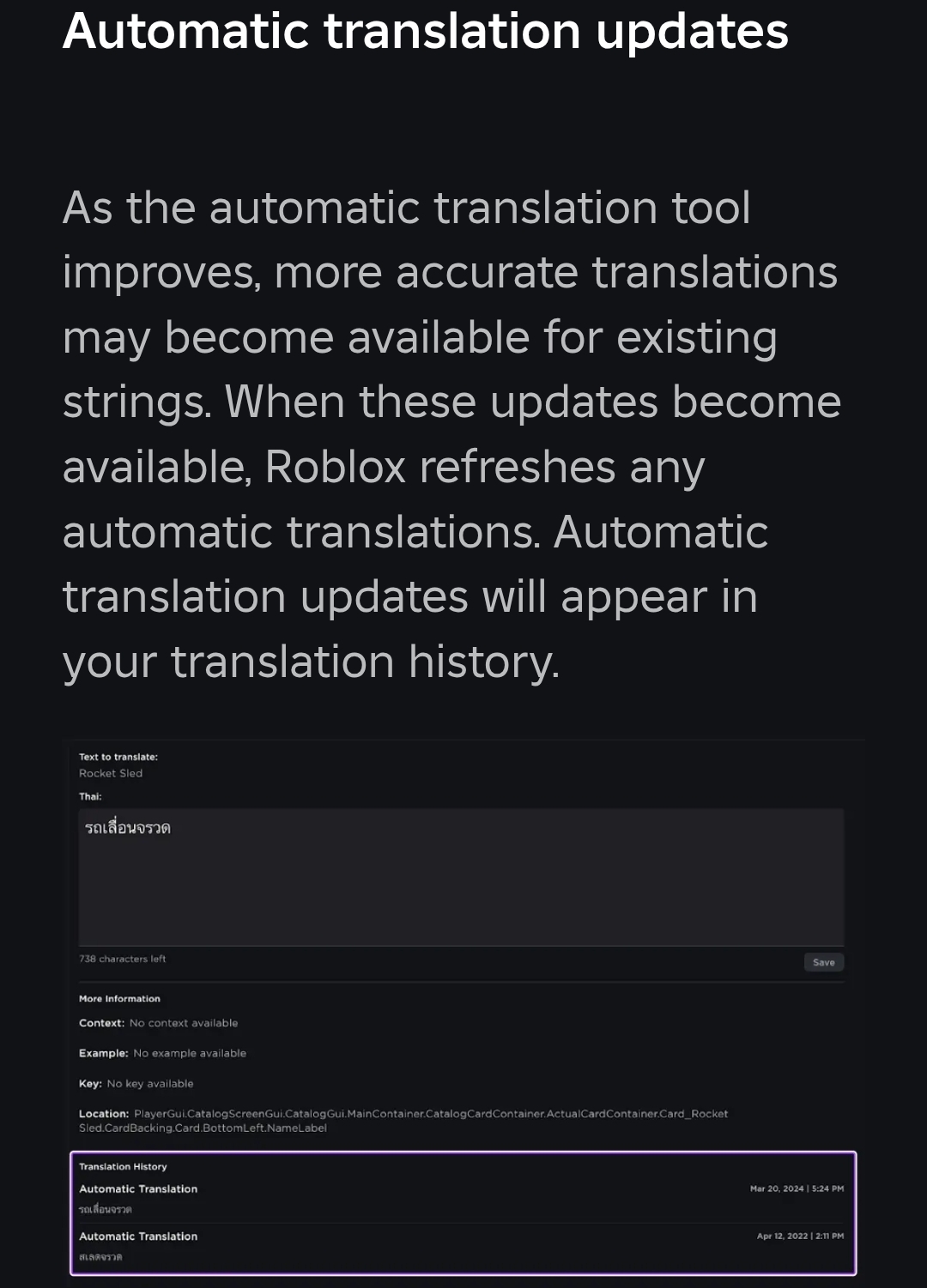
Automatic Translation Updates Developer Forum Roblox . Roblox Translating Platform Usage Support Developer Forum Roblox . How To COMPLETELY Turn Off Automatic Translation Game Design Support . Auto Translation Stuck At 0 Complete Creator Hub Create Roblox Com 2 1035x703 . How To Translate A Script Generated Text Game Design Support
#5 Gallery roblox translate script


Automatic Translation Updates Developer Forum Roblox 2 690x242 . Roblox Script V2 Translator Translation For Roblox Script V2 Style Roblox Script V2 Translator Translation For Roblox Script V2 Style . How Does Auto Translating Work Game Design Support Developer Forum . Automatic Translation Now Available Between 16 Languages . Automatic Translation Now Available Between 16 Languages 2 672x418
#6 Gallery roblox translate script
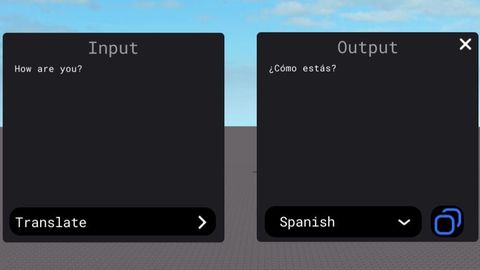
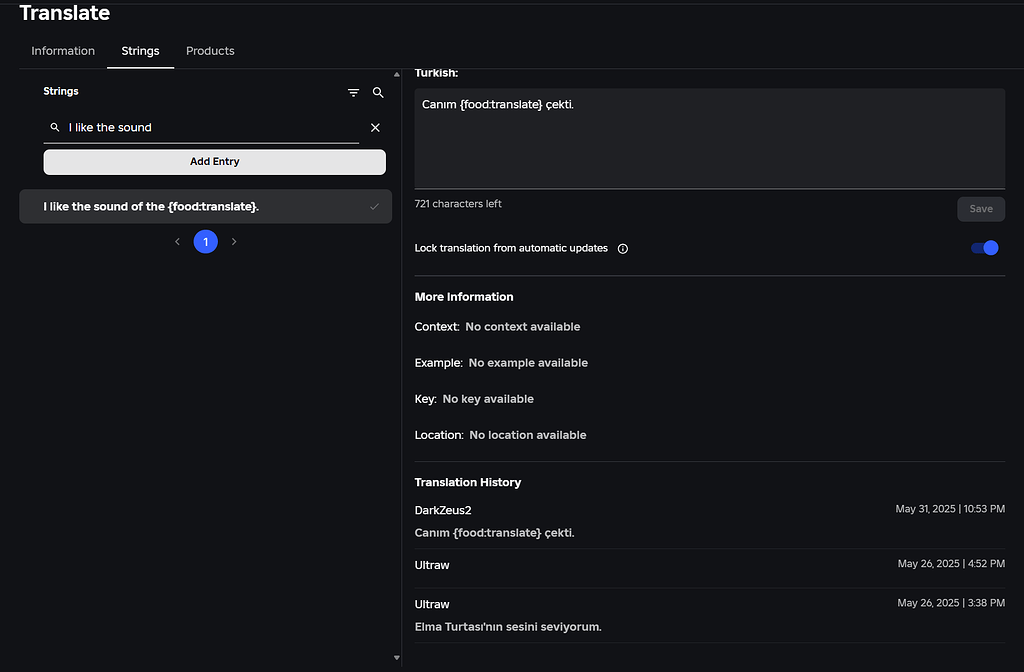
Roblox Chat Translator AI Roblox . Universal Script Translator V2 Roblox Scripts ScriptBlox 0 . Roblox Speaking Translator Translation For Roblox Speaking Style Roblox Speaking Translator Translation For Roblox Speaking Style . Old Being Used Engine Bugs Developer Forum Roblox 2 1024x672 . TNolan01 Web Developer And Programmer Showcase Your Portfolio
#7 Gallery roblox translate script


Roblox Hacker Script Translator Translation For Roblox Hacker Script Roblox Hacker Script Translator Translation For Roblox Hacker Script Style . How Does Auto Translating Work Game Design Support Developer Forum . Introducing Translation Feedback Developer Forum Roblox . How To Translate Your Experiences Community Tutorials Developer 2 336x750 . Introducing Translation Feedback Developer Forum Roblox