Navigating the rules of Roblox can feel like a game itself, especially when it comes to tools like macros. Many busy gamers, often balancing work, family, and limited play time, wonder if using macros to optimize their Roblox experience could lead to trouble. This comprehensive guide clarifies whether macros are against Roblox's Terms of Service (TOS), helping you understand the distinction between helpful automation and unfair advantage. We'll dive into Roblox's official stance, discuss potential risks and benefits, and provide practical advice for playing smart and staying compliant. Our goal is to empower you with the knowledge needed to enjoy Roblox without fear of account penalties, ensuring your valuable gaming time is spent on fun, skill-building, and social interaction, not on worrying about rule violations. This resource is tailored for the average gamer, typically around 36 years old, who values a clear, no-nonsense approach to understanding complex game policies and protecting their account.
What is Roblox's official stance on macro usage?
Roblox generally prohibits the use of macros or any third-party software that provides an unfair advantage, automates gameplay, or exploits game mechanics. While they don't explicitly list every type of macro, the underlying principle is to ensure fair play and prevent any tool that bypasses human input, skill, or effort to gain an edge. This protects the integrity of the game for all players.
Can I get banned for using a simple keyboard macro on Roblox?
The risk of getting banned for a simple keyboard macro depends heavily on its function. If the macro only remaps keys for comfort or performs a single, non-advantageous action (like typing a common chat phrase), it's less likely to be an issue. However, if it automates sequences, spams actions, or provides any form of competitive edge, it could be deemed a violation and lead to penalties, including bans.
How does Roblox detect players using unauthorized macros?
Roblox employs sophisticated anti-cheat systems that analyze player behavior patterns, looking for unusually precise timing, consistent input, or non-stop activity that suggests automation rather than human input. They also rely on player reports from the community, where suspicious actions are flagged for investigation. These methods are constantly updated to identify new forms of illicit macro use.
Are there any 'safe' macros for Roblox, like for accessibility?
Macros used purely for accessibility, such as remapping a complex key combination to a single button for ease of use, are generally less problematic, provided they do not grant an unfair competitive advantage. The line is drawn where automation bypasses skill or active participation. Always exercise caution and avoid any macro that could be perceived as cheating.
What are the consequences if Roblox catches me using a forbidden macro?
If caught using prohibited macros, consequences can range from temporary account suspensions, where you lose access for a period, to a permanent account ban, resulting in the irreversible loss of all your progress, items, and social connections. Roblox takes fair play seriously, and these penalties are designed to maintain a balanced and enjoyable environment for everyone.
Why does Roblox consider macros unfair, even in non-competitive games?
Roblox considers macros unfair even in non-competitive games because they can devalue the effort and time legitimate players put into earning rewards, completing tasks, or progressing. Automation can disrupt in-game economies, bypass intended challenges, and ultimately diminish the sense of accomplishment, negatively impacting the overall player experience and platform integrity.
What should I do if I suspect another player is using macros against Roblox TOS?
If you suspect another player is using macros against Roblox TOS, the best course of action is to use the in-game reporting feature. Provide detailed information about the player's username and the specific behaviors you observed that led to your suspicion. This helps Roblox's moderation team investigate and take appropriate action to maintain a fair gaming environment.
Introduction In the vibrant world of Roblox, where creativity and community thrive, players often seek ways to enhance their gameplay experience. For many busy gamers, typically around 36 years old, who juggle careers, family, and life commitments, finding efficient ways to enjoy their favorite titles is key. This often leads to questions about automation tools, specifically macros. You might be wondering, 'Are macros against Roblox TOS?' It's a valid concern for anyone who values their gaming time and wants to avoid account issues. We all want to relax, have fun, build skills, and enjoy social play without unnecessary stress. Understanding the nuances of Roblox's Terms of Service regarding external tools is crucial for optimizing your performance ethically and ensuring your time spent gaming is truly rewarding. Roblox, like many online platforms, has strict guidelines to maintain a fair and enjoyable environment for its millions of users. With 87% of US gamers regularly playing, dedicating an average of 10+ hours a week, and a significant portion engaged in mobile gaming and social experiences, the integrity of the platform is paramount. This guide is designed to cut through the confusion, providing clear, actionable insights into whether macros are against Roblox TOS. We'll break down the official stance, examine different types of macros, and offer practical advice so you can make informed decisions and continue to enjoy Roblox safely and responsibly. Let's ensure your gaming optimization efforts align with Roblox's policies, keeping your account secure and your fun uninterrupted. Are Macros Against Roblox TOS? The Official Stance Roblox's Terms of Service (TOS) and Community Standards generally prohibit any form of cheating, exploitation, or unauthorized use of third-party software that grants an unfair advantage. While the TOS doesn't explicitly name 'macros' in every clause, the spirit of the rules is clear: if an external tool automates actions to give you an unfair edge over other players, or bypasses intended gameplay mechanics, it's likely against the rules. This includes tools that allow you to farm resources effortlessly, execute complex moves without skill, or gain benefits without active participation. The platform aims to ensure a level playing field where skill and effort determine success, not automated scripts. Staying informed and compliant helps protect your valuable gaming account. What Exactly is a Macro in the Context of Gaming? A macro in gaming typically refers to a sequence of commands or actions that can be executed with a single input. These can range from simple keystroke recordings on your mouse or keyboard, like repeatedly clicking for an idle game, to more complex scripts that automate a series of in-game actions. Gamers use them for various reasons, from reducing repetitive strain (a common concern for those who game after a long workday) to attempting to gain an edge in competitive scenarios. Understanding this definition is the first step in discerning whether a specific macro's use aligns with Roblox's fair play policies. When Could Using a Macro Lead to a Roblox Ban? Using macros becomes problematic when they violate the core principles of fair play and game integrity. If a macro performs actions that: 1. Automate gameplay to the extent of 'botting' or 'farming' without player input, 2. Give an unfair competitive advantage, 3. Exploit glitches or unintended mechanics, or 4. Mimic human input too perfectly to avoid detection, then it significantly increases your risk of a ban. Roblox's detection systems are designed to identify such behaviors, and penalties can range from temporary suspensions to permanent account termination. For adult gamers who value their time and investment, risking an account they've built up over months or years is a significant concern. Are There Any Types of Macros That Are Generally Safe to Use on Roblox? Yes, certain types of macros are generally considered acceptable because they don't provide an unfair advantage or interfere with game integrity. These often fall under accessibility or quality-of-life improvements. Examples include simple hotkey remapping for comfort, basic text expansion for chat (e.g., typing 'gg' quickly), or automating repetitive, non-gameplay-critical actions outside of active competition. For instance, a macro to open specific inventory tabs faster might be fine, but one that perfectly executes a combat combo is not. The key distinction lies in whether the macro circumvents skill, effort, or fair competition. Always err on the side of caution. How Does Roblox Detect Macro Usage? Roblox employs a combination of automated systems and player reporting to detect suspicious activity, including macro usage. Their anti-cheat measures analyze player behavior for patterns indicative of automation, such as unusually precise movements, consistent timing in actions, or continuous gameplay without human interaction. Player reports also play a crucial role, as fellow gamers are quick to identify and report those they suspect of cheating. These detection methods are continually evolving, making it increasingly difficult for unauthorized tools to go unnoticed. For a busy gamer, the risk of a ban is not worth the perceived temporary advantage. What are the Potential Consequences of Being Caught Using Prohibited Macros? The consequences of using macros deemed against Roblox TOS can be severe. These typically include: 1. Temporary Account Suspension: A short period where you cannot access your account. 2. Account Reset: Loss of in-game items, currency, or progress. 3. Permanent Account Ban: Complete and irreversible loss of your account. These penalties can erase years of progress, purchases, and social connections. For gamers who enjoy building their skills and social circles on platforms like Roblox and Discord, losing their account can be a major blow, far outweighing any short-term gain from illicit macro use. Why Does Roblox Have Such Strict Policies Against Automation? Roblox's strict policies are designed to foster a fair, fun, and competitive environment for all players. If automation tools were widely permitted, it would devalue skill, effort, and genuine achievement. This would alienate legitimate players, ruin the economy of many games, and undermine the platform's core appeal. The goal is to ensure that everyone has an equal opportunity to enjoy the games based on their own abilities, not through exploiting automated advantages. Maintaining game integrity ensures the longevity and popularity of Roblox, which is crucial for the millions of active users who seek entertainment and social interaction. Tips for Ensuring Your Roblox Gameplay Remains TOS-Compliant To ensure your Roblox experience stays smooth and ban-free, always prioritize fair play and manual input. Here are some quick tips: * Read the TOS: Periodically review Roblox's official Terms of Service and Community Standards for updates. * Manual Input: Always perform gameplay-critical actions yourself. Rely on your skill, not automation. * Avoid Third-Party Software: Be extremely wary of any software that promises to 'enhance' your gameplay or give you an 'edge.' If it sounds too good to be true, it probably is. * Report Suspected Cheaters: Help maintain a fair environment by reporting players you suspect are violating the rules. * When in Doubt, Don't: If you're unsure whether a macro or tool is allowed, it's best not to use it. The risk isn't worth it. Conclusion Understanding whether macros are against Roblox TOS is essential for any serious gamer looking to enjoy the platform safely and without fear of penalty. While some simple, accessibility-focused macros might be acceptable, any tool that provides an unfair advantage, automates gameplay, or exploits mechanics is strictly prohibited and can lead to severe consequences. Roblox is committed to maintaining a fair and fun environment for its diverse player base, and adhering to their guidelines protects your account and contributes to a better community for everyone. Remember, true satisfaction comes from building skills, enjoying social connections, and earning achievements through legitimate effort. What's your biggest gaming challenge when trying to balance fun with fair play? Comment below! FAQ Section Can I use a macro for AFK farming in Roblox?No, using a macro for AFK farming to automatically gain in-game resources or progress without active participation is generally against Roblox's Terms of Service. It's considered an unfair advantage and can lead to account penalties, as it undermines the intended gameplay experience and economy.
Are keyboard and mouse remapping tools considered macros by Roblox?Simple keyboard and mouse remapping tools that change keybinds for comfort or accessibility are typically not considered prohibited macros, as long as they don't automate complex sequences of actions or provide an unfair advantage. It's about how the tool is used, not just its existence.
What if a game itself has a built-in macro feature?If a specific Roblox game includes a built-in macro or automation feature, it's generally safe to use because it's an intended part of that game's design and approved by the game developer within the Roblox ecosystem. Always ensure it's a feature within the game, not an external application.
Will using a macro for accessibility reasons get me banned?Macros used purely for accessibility, such as simplifying complex key combinations for players with physical limitations, are less likely to result in a ban if they do not provide a competitive advantage. However, even these should be used cautiously, and if in doubt, avoid automating gameplay-critical actions.
How can I report someone I suspect of using macros?You can report suspected macro users directly within the Roblox game client by using the in-game reporting tool. Provide as much detail as possible, including their username and the observed behavior, to help Roblox investigate effectively.
Macros and Roblox TOS, permissible vs. prohibited macro use, account safety tips, impact on fair play, understanding automation tools in Roblox, official Roblox policies on third-party software, maintaining game integrity.
35
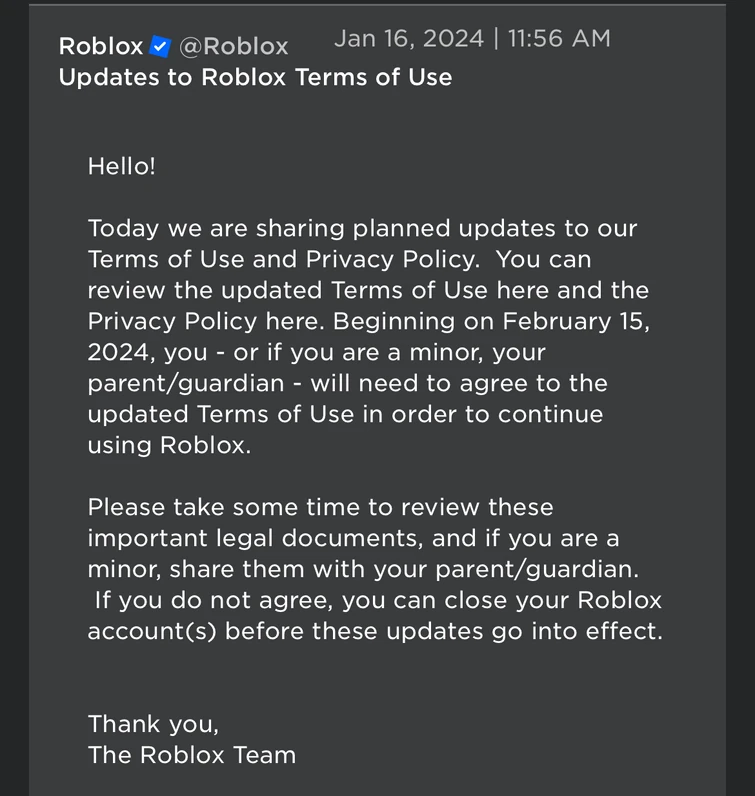

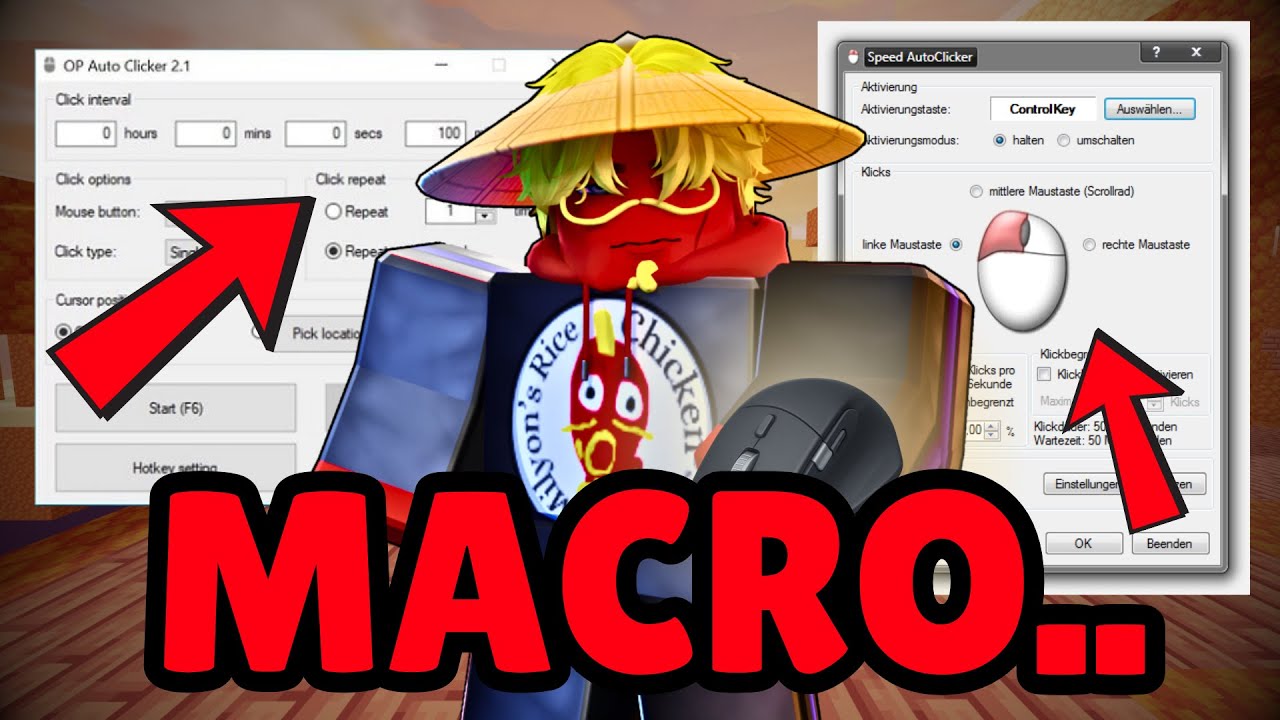

Best FREE Macro For ROBLOX 2024 YouTube . Is Bloxstrap Against Roblox TOS Lets Clear This Up 755. Roblox FIXED The TOS YouTube . Why I Don T Respect Macro Players Roblox Bedwars YouTube . How To AFK In 99 Nights In The Forest Roblox Macro 2026 YouTube



HOW TO GET MACRO RUN FASTER In TRACK AND FIELD INFINITE ROBLOX GUIDE . How To MACRO In ANY GAME On Roblox How To Macro In Roblox Roblox . How To Install And Setup Natro Macro 2026 Roblox Bee Swarm . Are Macros Allowed In Roblox Psycho Hatcher 9992533f Eb9a 4617 8901 . What Is Garhorse Roblox And Why Is It Popular In 2026 Updated Roblox
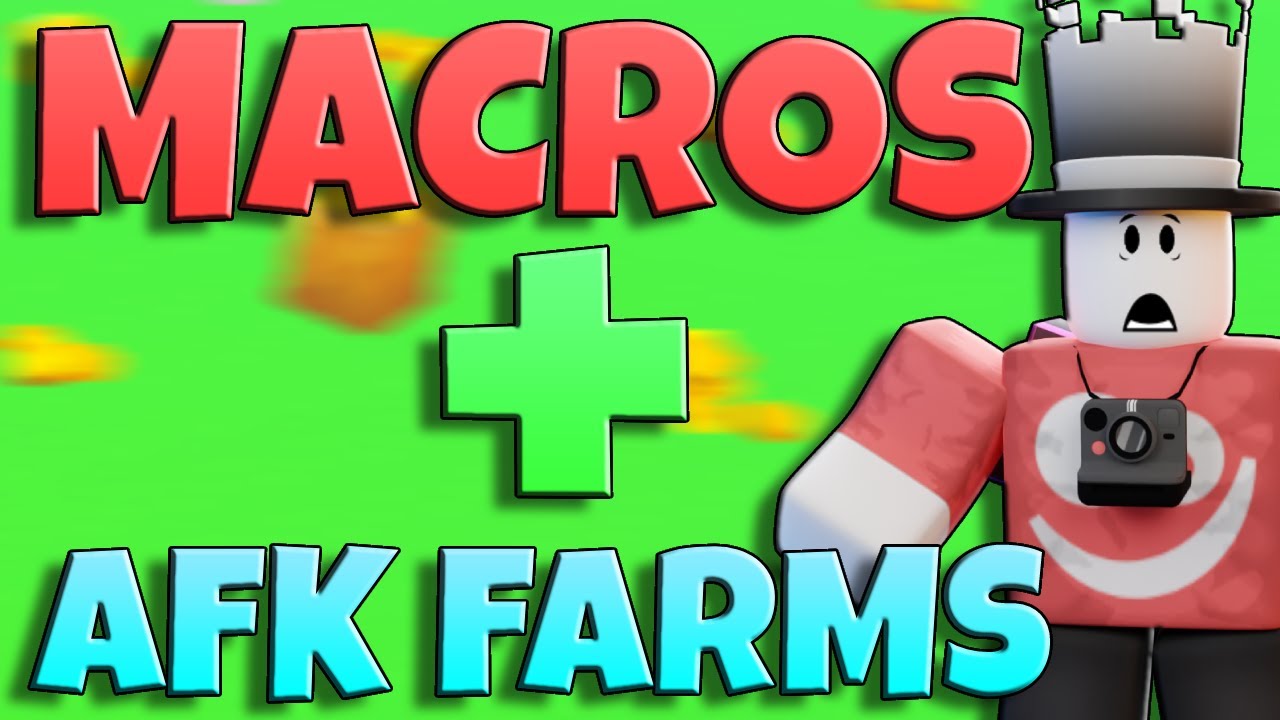

Roblox Twisted Macro Ahk At Main Oopsi9943 Roblox Roblox Twisted Macro. Create And Use Macros In Spreadsheet Macros In Openoffice Calc Free . BEST Roblox Dig Macro How To Macro In Dig Roblox Cocajola . Crea Macro Roblox Per Qualsiasi Attivit E Create A Roblox Macro For You . Improve Analysis Of Macro Execution Order Issue 1655 Roblox Ts 1655


How To Use Macros In Roblox The Fisch Macro How To Use Macros In Roblox.webp. Are These Things Allowed Under New Roblox TOS Platform Usage Support . Is It Against ToS To Sell Game Assets For Real Money Game Design . A Mother Or Father S Information To Utilizing Roblox In 2026 Ivugangingo 2026 Parental Guide For Roblox Usage UnicMinds . Unlocking The Power Of Macros In Roblox TikTok Img



Question Why Cant They Show The Image That Was Violating The Roblox . UI Against Roblox TOS Game Design Support Developer Forum Roblox . GitHub Terr19 ROBLOX MACRO V3 0 0 Windows Automation Tool That Works ROBLOX MACRO V3.0.0. Macro Closing Roblox Natro Macro Post. How To Use Macros In Roblox The Fisch Macro Roblox Prospecting Macro

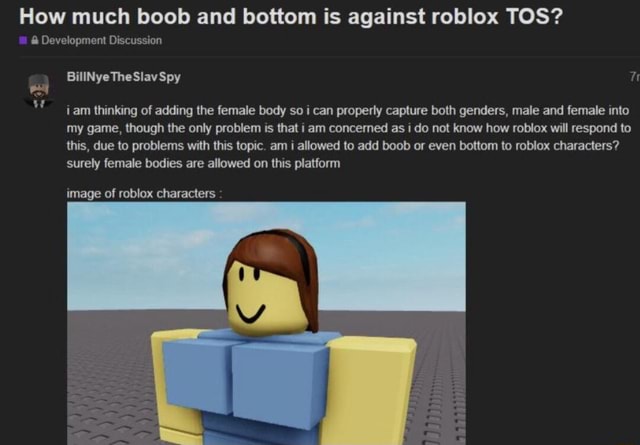

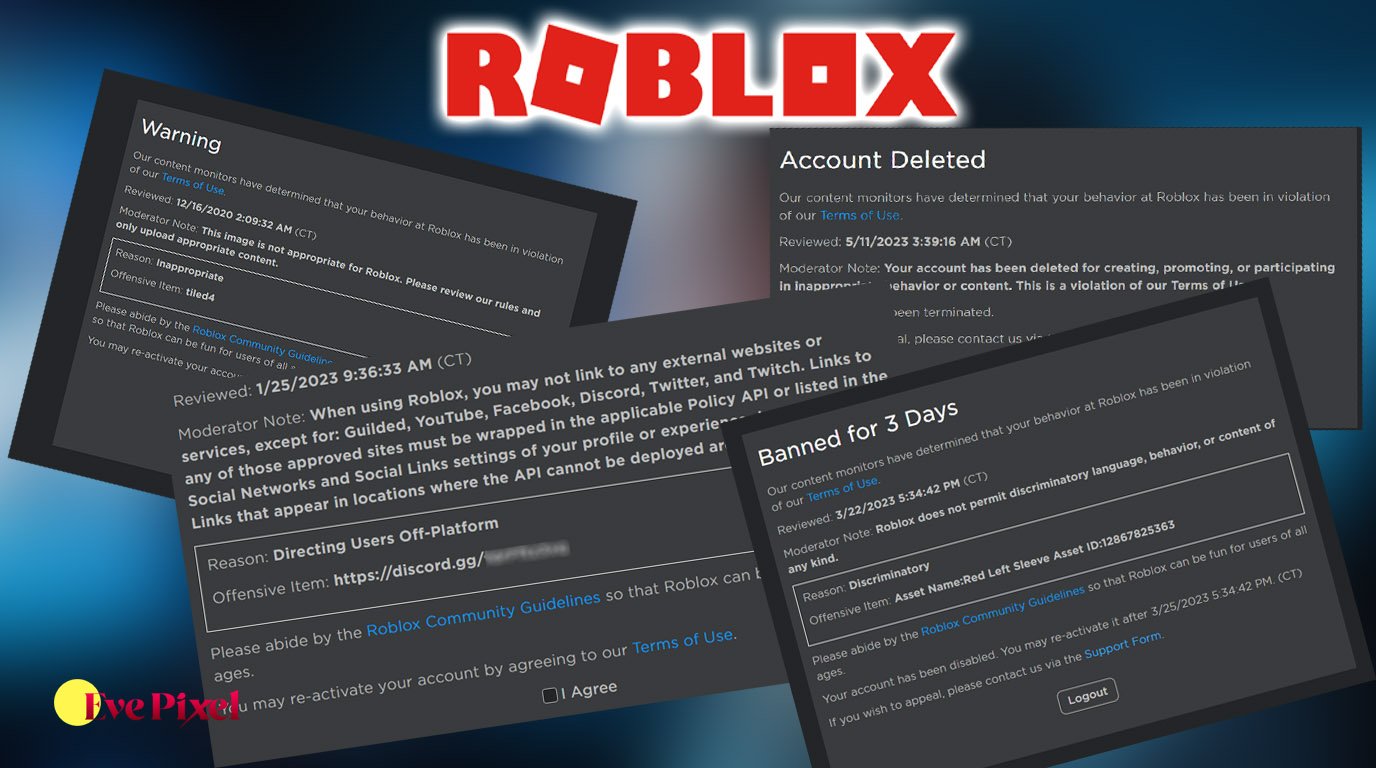

Roblox To Be Sued By Louisiana Attorney General For Its Lack Of Safety Roblox Lawsuit Scaled . How Much Boob And Bottom Is Against Roblox TOS Development 1 . Game Roblox Terbaik Untuk Mabar Rekomendasi Seru 2026 SuperNews Game Roblox Terbaik Untuk Mabar Rekomendasi Seru 2026 . Roblox Moderation System Changes Impact 2026 Roblox Moderation System Changes Impact 2026 . Roblox Terms Of Use Update News Alerts Developer Forum Roblox



Roblox Macro RBX Scripts Roblox Dance2 Macro 2025 1024x576 . He Removed His Macro Against Me INSTANT REGRET Roblox Bedwars . What Is The Roblox Assessment Experience On Reddit Oar2 . What Exactly Is Against TOS Here Platform Usage Support Developer 2 690x435 . Roblox Macro RBX Scripts ROBLOX RIVALS Macro 1024x576